
Getting Started
First-time setup for your Paradise USB cable
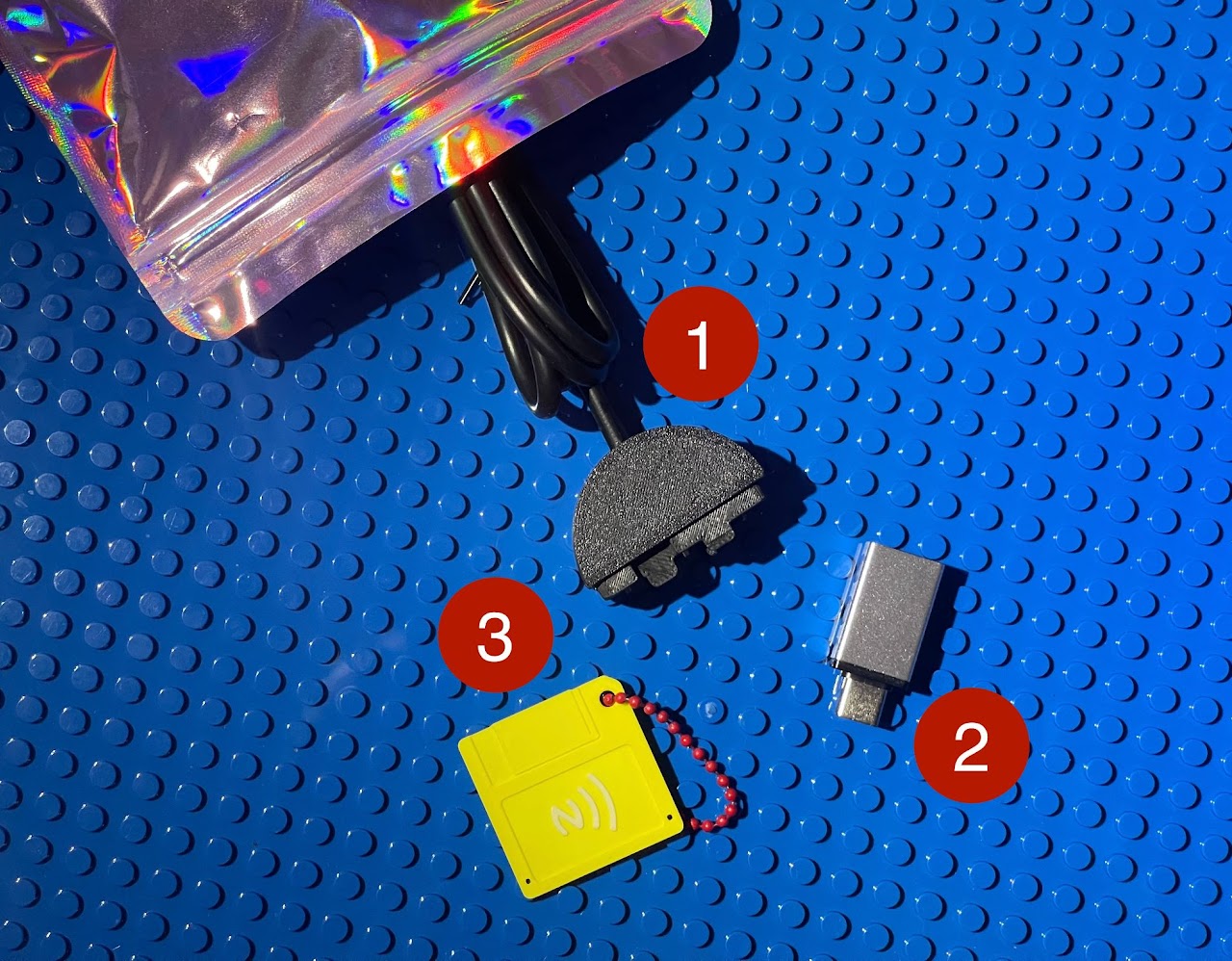
What's in the box
- USB cable (USB-A): the data cable that clips onto your Tamagotchi.
- USB-C adapter: for MacBooks and modern laptops.
- FLOP808 NFC tag: tap with your phone to access drivers and manuals. Rewritable and reusable.
Connect order matters
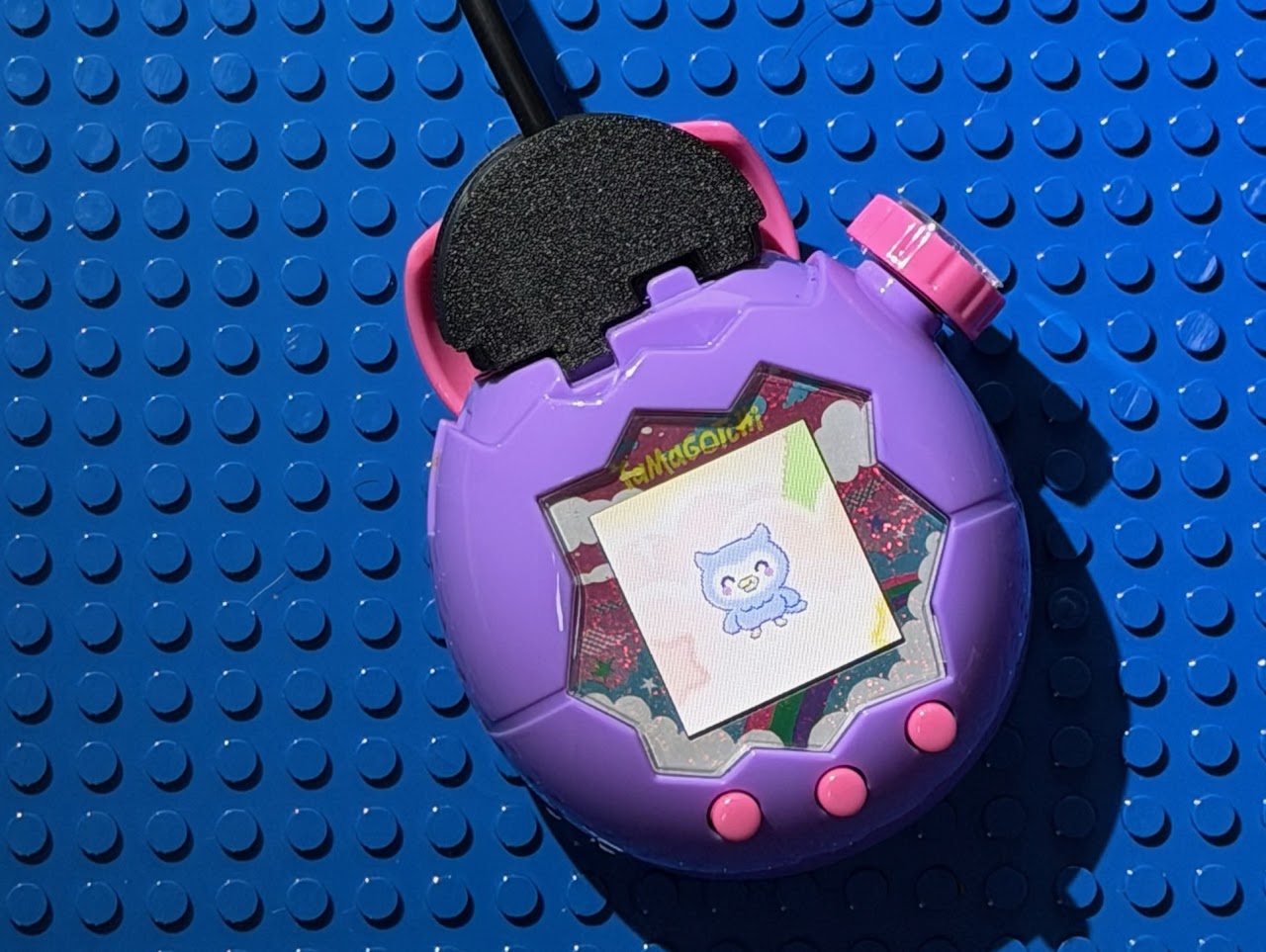
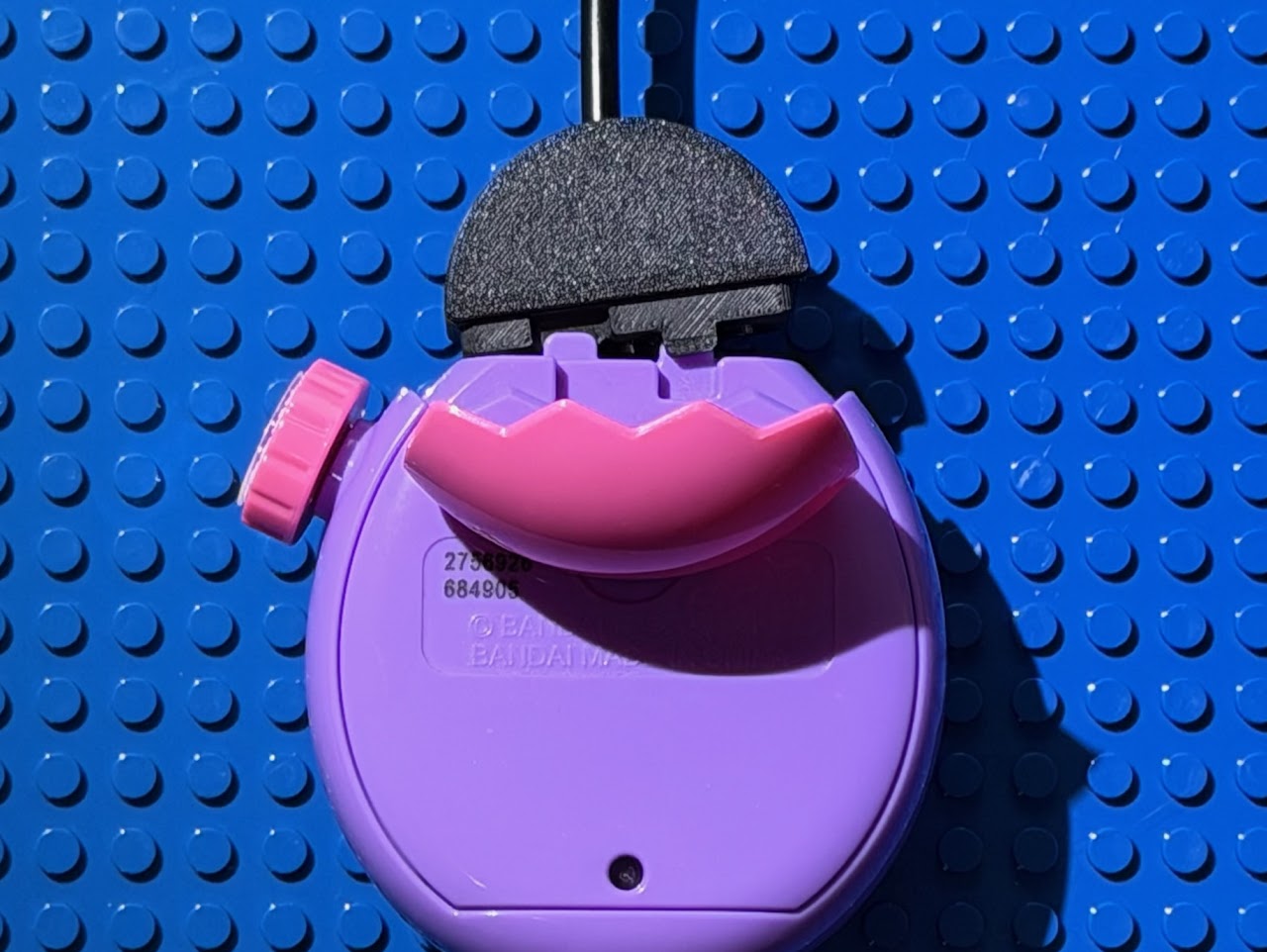
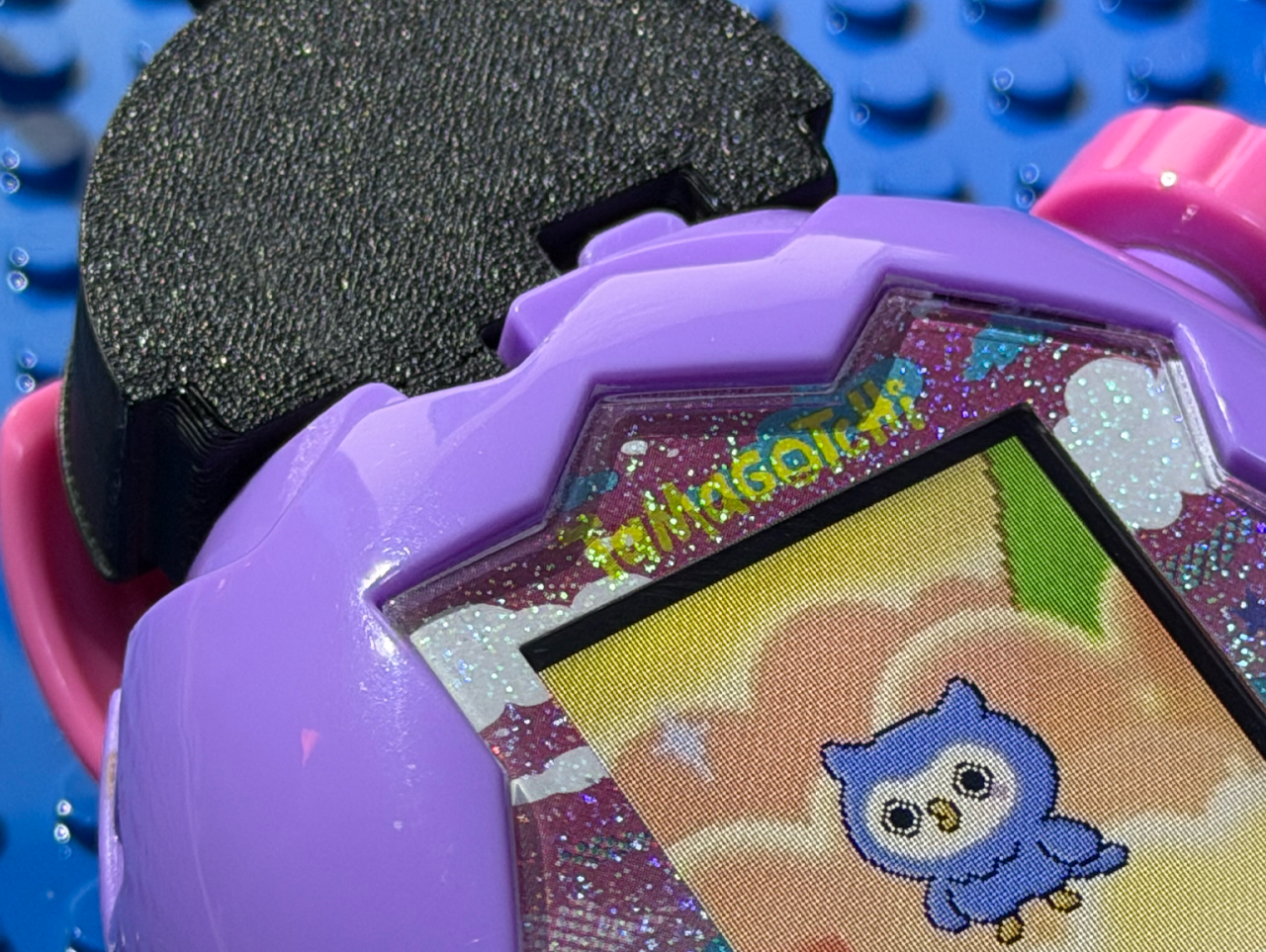
- Attach the clip to your Tamagotchi first. Make sure it fits snugly on both the front and back of the device.
- Then plug the USB cable into your computer. Plugging in the USB before securing the clip can cause connection errors.
Next steps
With your hardware connected, follow the setup guide for your operating system: