
License Activation Guide
How to activate your TamaHome license
Existing Purchaser Access
Already purchased TamaHome? Enter the email you used on Ko-fi and we'll email you a fresh app download link and activation code. Paste the code into TamaHome → Settings → License → Activate with code. The same email also includes a license-file download link for offline activation.
Step 1: Receive Email
After purchasing TamaHome, you receive an email with the app download, an activation code, and a secure license-file link for offline use.

Step 2: Open Email
Open the TamaParadise email and keep the activation code handy. If it is missing, check spam or use the recovery form above.
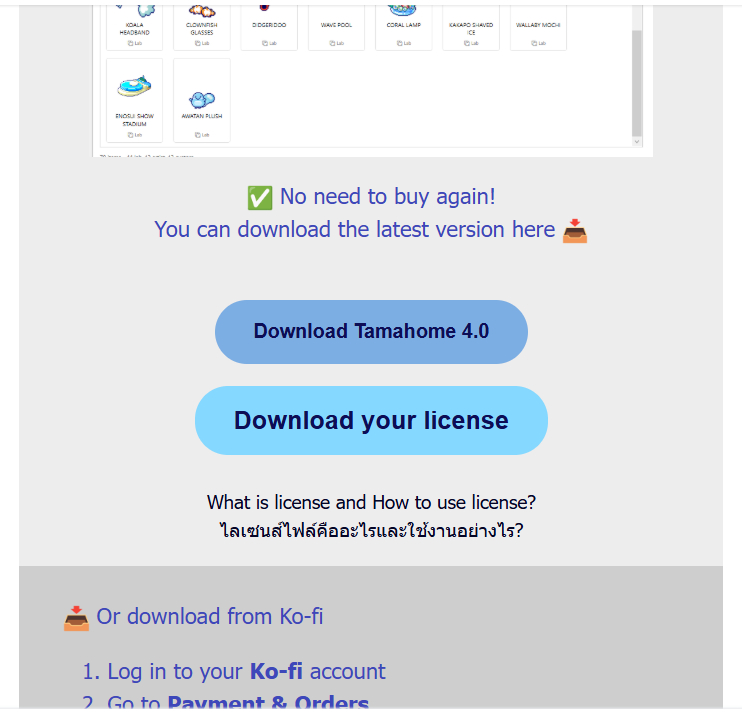
Step 3: Download Files
Use Download TamaHome App. The separate license-file link is only needed when the computer running TamaHome cannot access the internet.
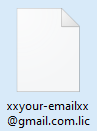
Step 4: Open Program
Double-click the icon to open the program normally.
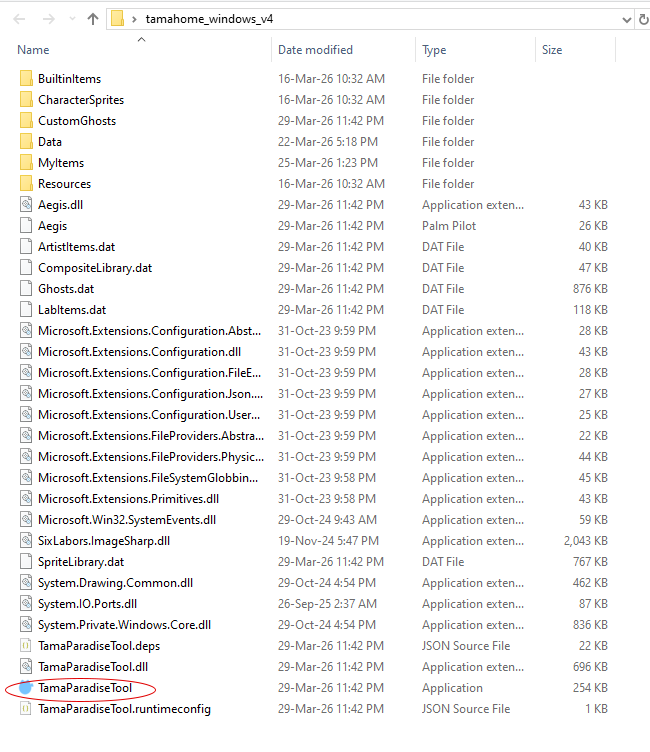
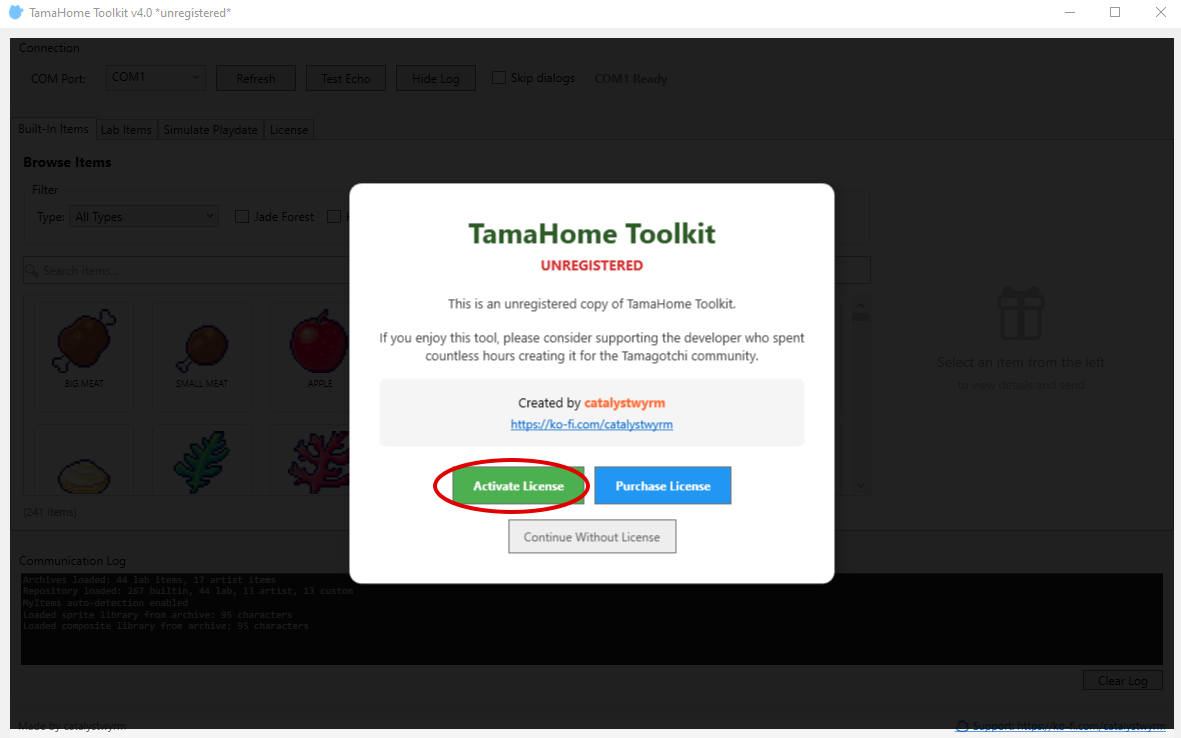
Step 5: Activate License
Open Settings → License → Activate with code, then paste the code from the email. For offline activation, download the secure .lic link on another device and choose license-file activation instead.
Step 6: Confirmation
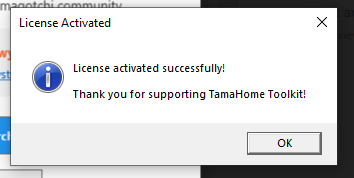
When the license file is valid, a confirmation message appears. Click OK and use the app normally. You can delete the license file from your computer after activation.
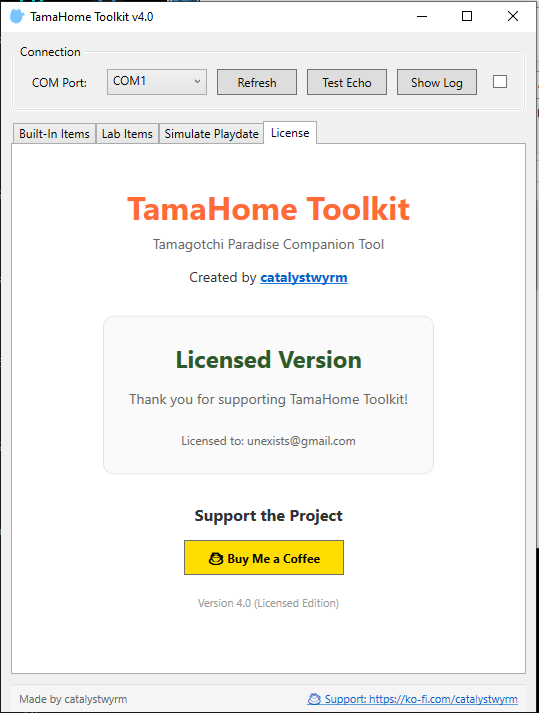
Check Status
In the License tab, you'll see a confirmation message showing your active license.
Need Help?
Join our Discord or send a message on Ko-fi.