
Troubleshooting
Connection failures, frozen screens, and other common issues
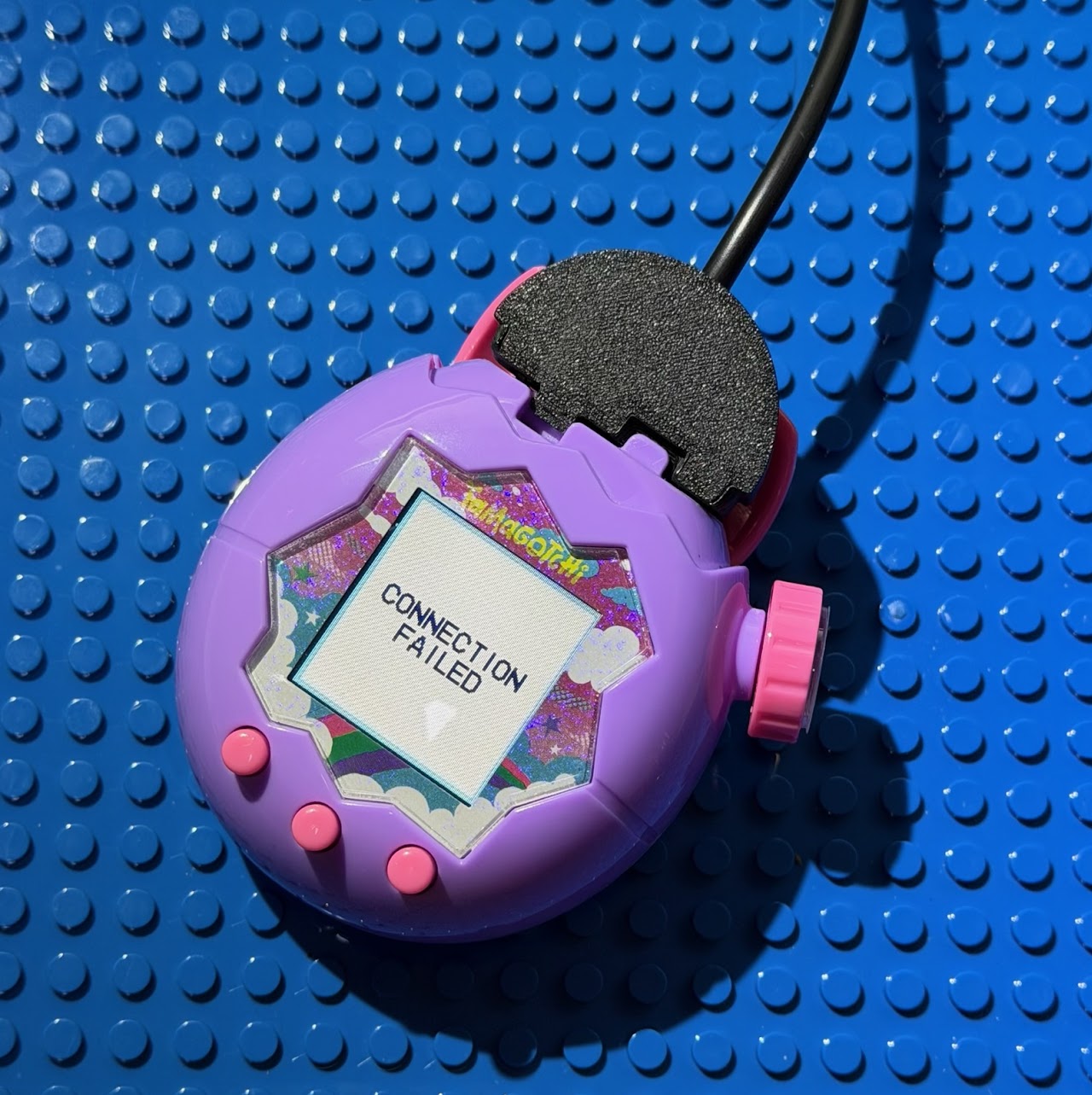
Connection failed or timeout
If you see a failure message while sending Items, Gifts, or Playdates, work through these checks:
- Check the clip: the most common cause is the clip moving slightly. Gently squeeze it to ensure both pins are touching the contacts.
- Windows: if you unplugged the cable or moved to a different USB port, the COM port number may have changed (e.g. COM3 → COM4). Open Device Manager, note the new number, and update it in the app.
- macOS: unplug and replug the USB cable. In the app, click Refresh, select the port again, then click Echo to reconnect.
Frozen on the "Connect" screen
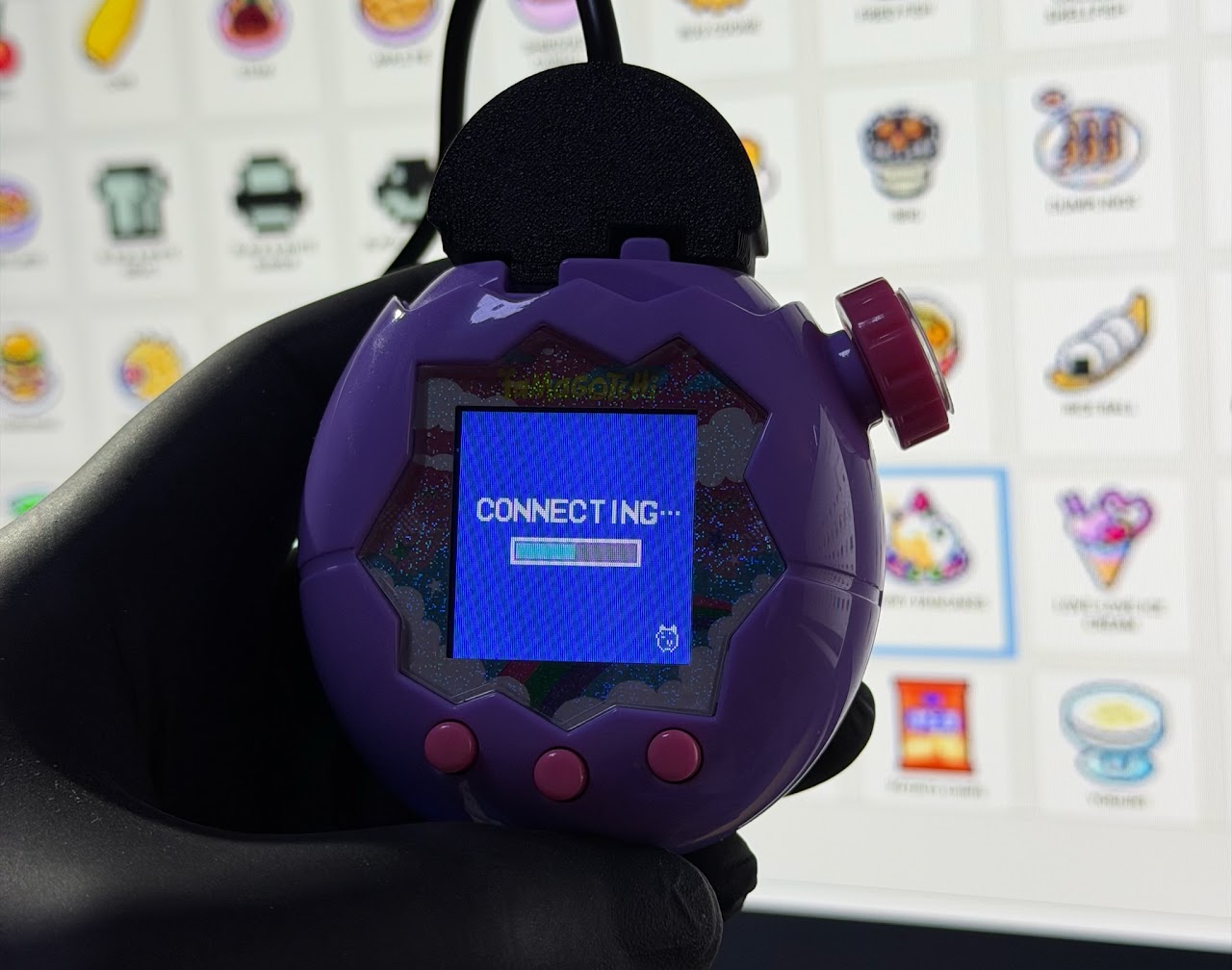
If buttons won't respond after a connection attempt, your data is safe — power-cycle the device:
- Unplug the USB: remove the clip from your Tamagotchi.
- Reset power: open the battery cover, remove the batteries for a few seconds.
- Resume: put the batteries back in. When the screen turns on, select CONTINUE — do not select Reset.
Still stuck?
Join Discord and someone will usually help within minutes.