
License Activation Guide
How to activate your TamaHome Toolkit license
Step 1: Receive Email
You will receive a license file via email from bbamorachi with your TamaHome Toolkit 4.0 update and license file.

Step 2: Open Email
Open the email to see the download links for the program and license.
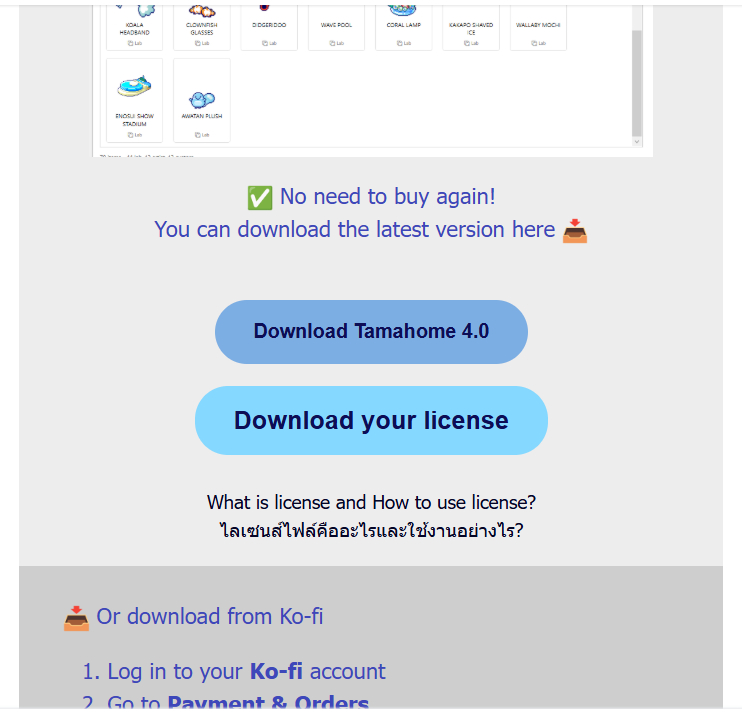
Step 3: Download Files
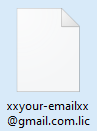
Scroll down until you find the download buttons for the program and license. You will receive a file named youremail.lic
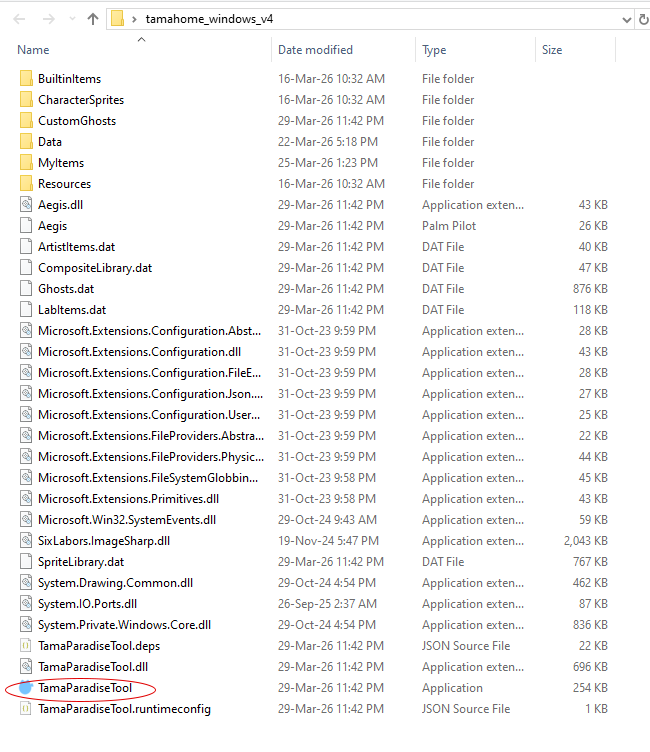
Step 4: Open Program
Double-click the icon to open the program normally.
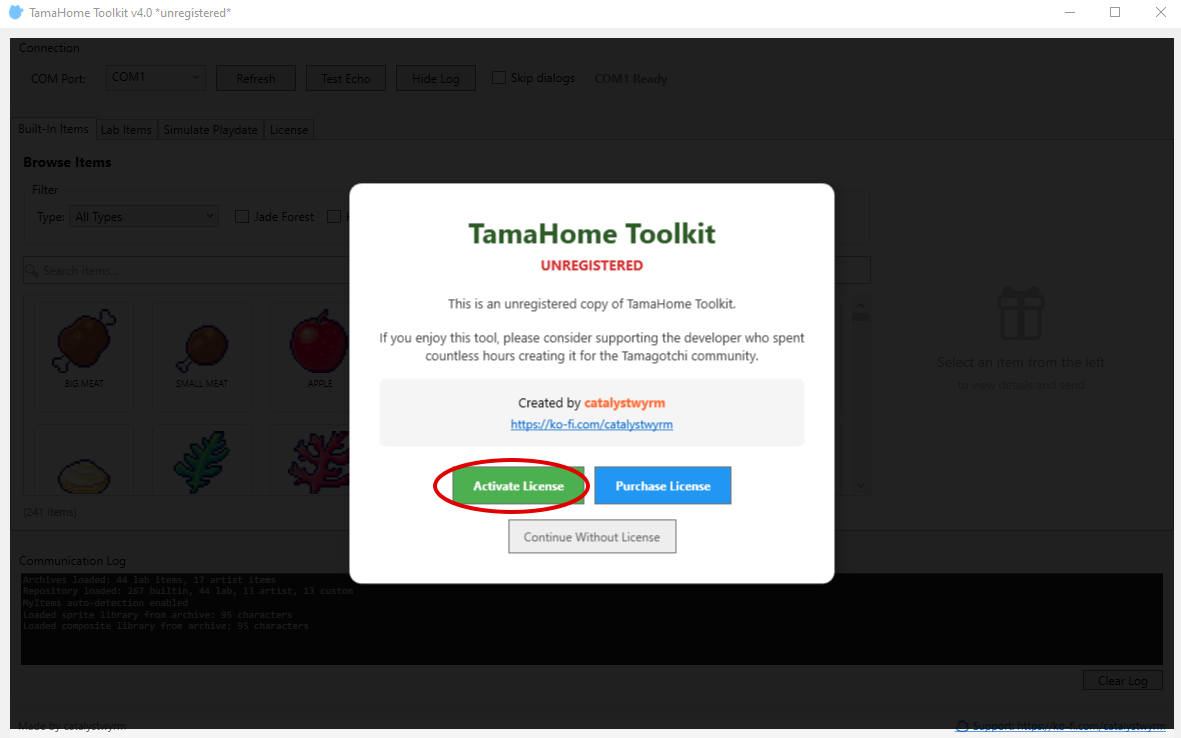
Step 5: Activate License
Click the Activate License button, select your .lic file downloaded from the email, then click Open.
Step 6: Confirmation
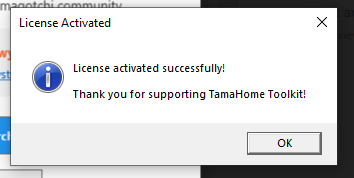
When the license file is valid, a confirmation message appears. Click OK and use the app normally. You can delete the license file from your computer after activation.
Check Status
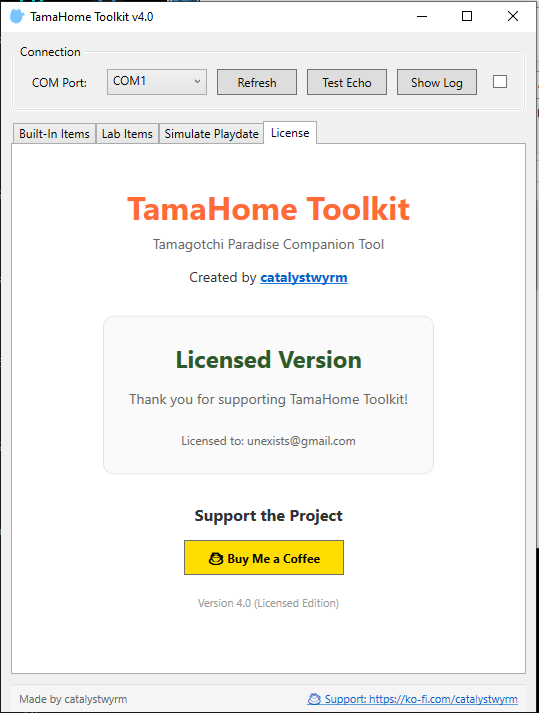
In the License tab, you'll see a confirmation message showing your active license.
Request a New License Link
Lost your license email? Enter the email you used on Ko-fi to download your license:
Need Help?
Join our Discord or send a message on Ko-fi.